
Inventory management
Hotel inventory management for small properties: a practical guide
A practical way for a small stay to separate room inventory from operating stock, calculate rooms left to sell and keep booking sources aligned.

In brief
In a hotel, inventory can mean two different things. In a booking conversation, it usually means the rooms, beds, cottages or villas the property can sell for particular dates. In day-to-day operations, it can also mean physical stock such as linen, toiletries, cleaning supplies and food.
Small properties should track these as two separate inventories. Room inventory affects what a guest can book. Operating stock affects whether the team can prepare and service the stay.
What is the difference between inventory and availability?
Booking.com defines inventory as the total rooms offered for sale and availability as the portion a guest can book for a particular search. That distinction matters because a property may physically have a room but be unable to sell it for certain dates, occupancies or restrictions.
| Owner record | What it covers | Example |
|---|---|---|
| Room inventory | Physical sellable units grouped by room type | Two standard rooms and two deluxe rooms |
| Room availability | Units still bookable for a date after bookings and blocks | One standard room left for 12 September |
| Operating inventory | Supplies used to prepare or service stays | Linen sets, toiletries and cleaning materials |
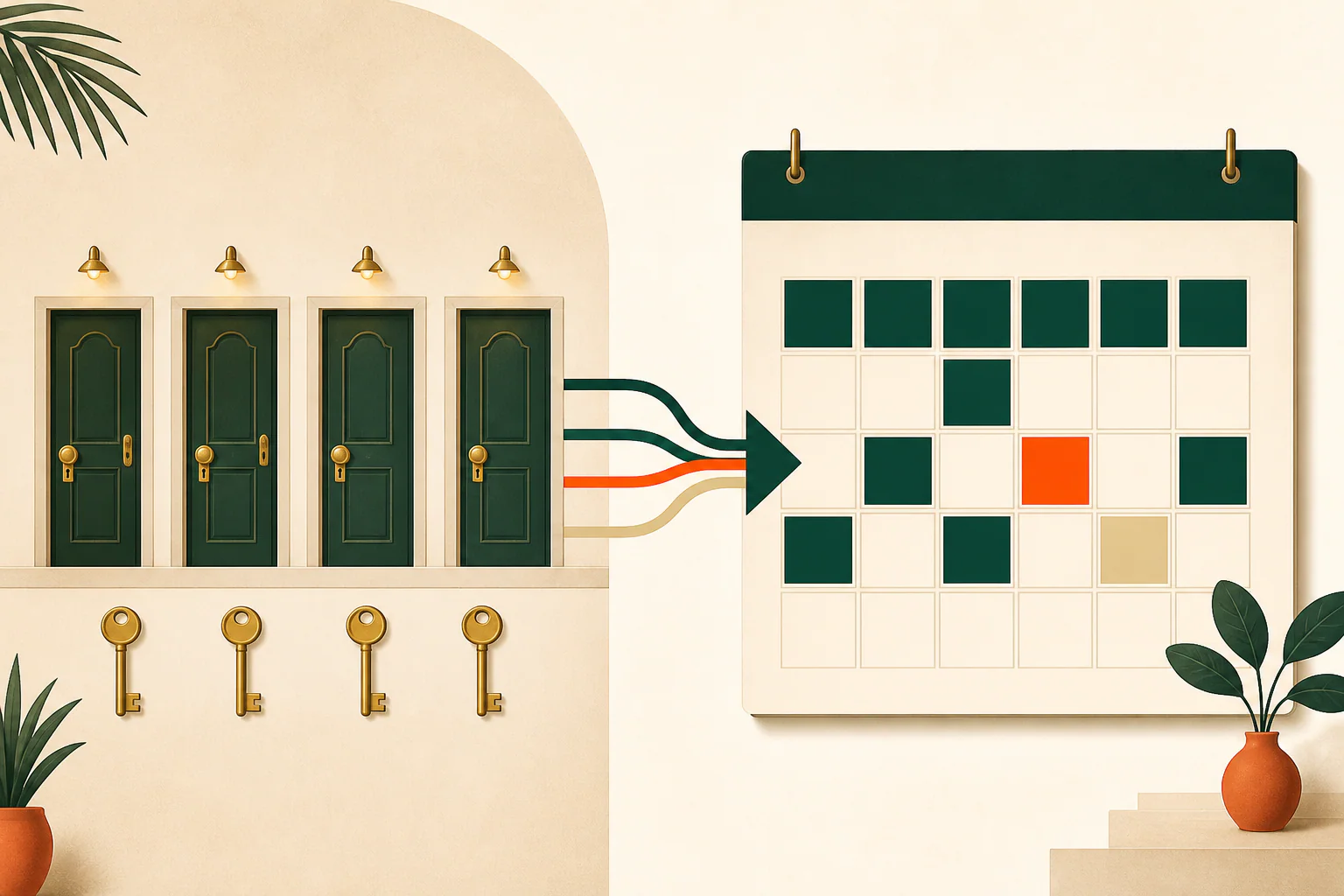
For a simple owner worksheet, rooms left to sell can be understood as:
Physical units − out-of-service units − secured bookings − owner or maintenance blocks = rooms left to sell.
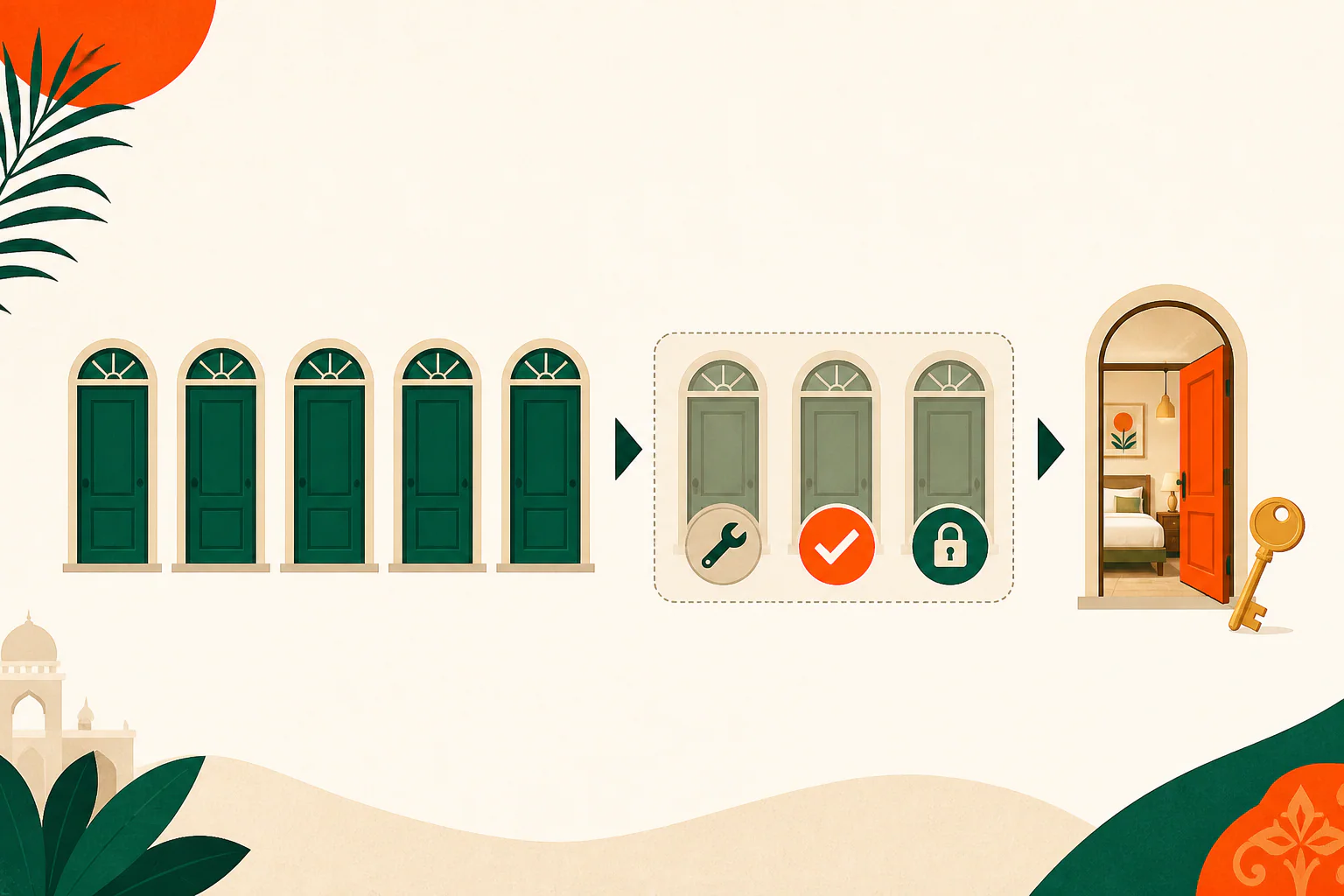
Booking rules such as occupancy limits, minimum stays or closed arrival dates can reduce what a particular guest can book even further.
Why does this matter for a small property?
A four-room homestay may receive requests through WhatsApp, phone calls, walk-ins, its direct page and an OTA calendar. If one source changes without the others being checked, the team can quote a room that is no longer available or unnecessarily hide a room that could still be sold.
Accurate room inventory gives the owner one answer to three practical questions:
- What accommodation units physically exist?
- Which units cannot be sold for operational reasons?
- How many units remain bookable for each date?
A practical room-inventory workflow
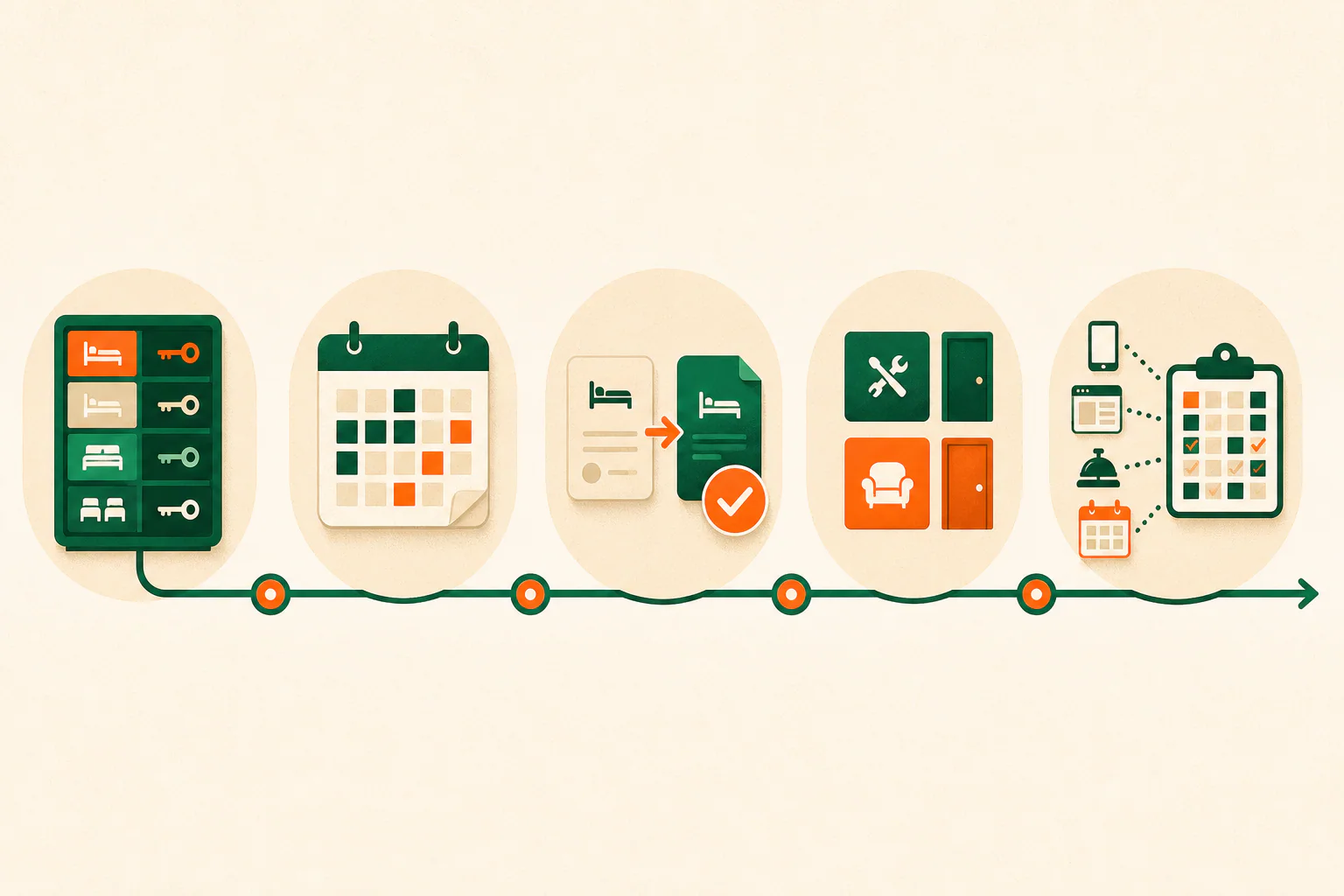
1. Create a fixed room-type register
List every sellable unit under a stable room type. Record its maximum occupancy and whether guests book the individual unit, a room type, a bed or the whole property. Do not change room-type names casually across different booking sources.
2. Choose one operational record
Choose the calendar or booking workspace your team checks before promising dates. Phone, WhatsApp and walk-in bookings must reach that record; otherwise the digital calendar shows only part of the property’s commitments.
3. Define when a request secures inventory
Write down the exact status that blocks a room. An enquiry is not automatically a confirmed booking. For many small properties, inventory becomes secured only after the owner approves the request, applies the property’s deposit policy, verifies the required payment and records the booking.
4. Record blocks and booking changes immediately
Maintenance, owner use, late checkout preparation and out-of-service rooms reduce availability even when there is no guest booking. Cancellations and date changes must also be reflected across the operational record and connected calendars.
Airbnb advises hosts to update availability promptly and notes that calendar synchronization can help avoid booking conflicts. It is still sensible to check the last update and investigate exceptions instead of assuming every external calendar changes instantly.
5. Run a short daily reconciliation
At a consistent time each day, compare near-term dates across direct, phone, walk-in and OTA sources. Resolve differences while the team still remembers the conversation that caused them.
Example: a four-room homestay
Suppose a homestay has two standard rooms and two deluxe rooms for Friday night:
- One deluxe room is out of service for a plumbing repair.
- The other deluxe room has a secured direct booking.
- One standard room has an OTA booking.
- A guest has asked about the second standard room on WhatsApp but has not met the property’s confirmation conditions.
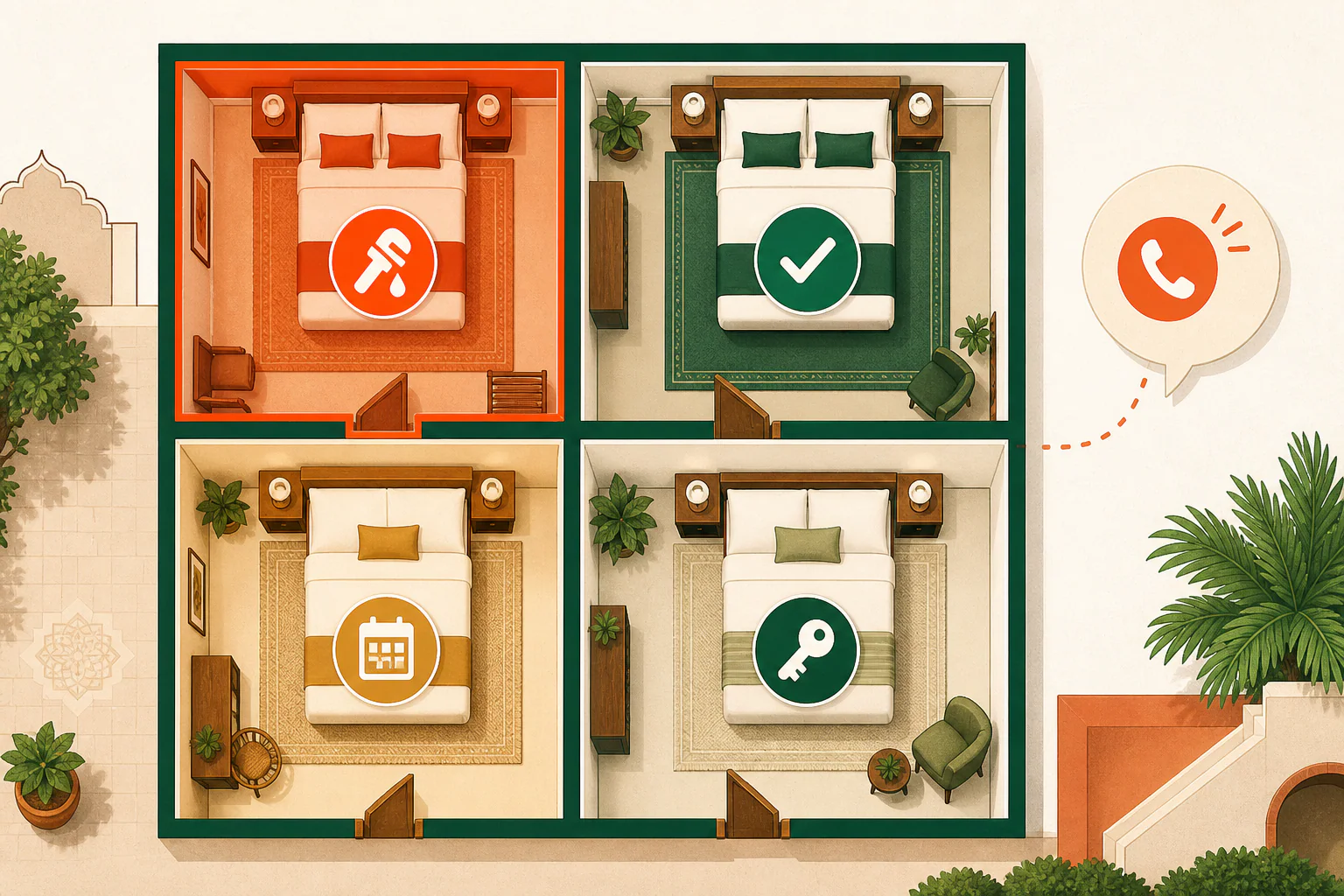
The rooms left to sell are zero deluxe rooms and one standard room. The WhatsApp enquiry should remain visible to the team, but it should not silently remove the last standard room unless the property’s agreed hold policy says it should.
Daily inventory checklist
- Were all new direct, phone, walk-in and external bookings recorded?
- Were cancellations and date changes reflected everywhere they affect availability?
- Are maintenance, owner-use and out-of-service blocks current?
- Is any enquiry being treated as secured without meeting the property’s policy?
- Do the next few arrival dates show the same rooms left to sell across the sources the team relies on?
- Is any calendar sync delayed or showing an error that needs a manual check?
Weekly operating-stock checklist
Keep supplies separate from room availability, then review:
- Clean linen sets available for the coming arrivals
- Toiletries and cleaning supplies at the property’s chosen reorder level
- Breakfast or kitchen stock where the property provides it
- Damaged or missing items that should be replaced
- Supplies required for long stays or special room setups
This does not require a complicated stock system. The useful level of detail is the level at which the team can notice a shortage before it affects a guest.
Common mistakes
- Using one spreadsheet for room availability and consumable stock without clearly separating them
- Recording OTA bookings but forgetting phone, walk-in or WhatsApp confirmations
- Blocking inventory for every enquiry without a defined hold rule
- Reopening a cancelled room in one calendar but not the operational record
- Assuming calendar synchronization is the same as guaranteed real-time channel management
- Creating many nearly identical room types that the small team cannot maintain consistently
Where Hopnest Direct helps
Hopnest Direct can help a small stay maintain room types and availability, record booking requests and their operational lifecycle, place calendar blocks, and use configured iCal synchronization. Direct and offline booking activity can live in the same owner workflow instead of being left only in messages or memory.
The property still decides its room setup, rates, hold rules, deposit policy, cancellations, maintenance blocks and which booking source is authoritative.
Product boundaries
Hopnest Direct is not presented as a complete enterprise hotel PMS or a guaranteed real-time channel manager. iCal synchronization depends on external calendar support and refresh timing. The product also does not replace the property’s process for purchasing, counting or reordering linen, toiletries, food and other operating stock.
Frequently asked questions
What is inventory in a small hotel?
In booking operations, inventory is the rooms or other accommodation units the property can sell by type and date. Hotels also maintain a separate operating inventory of linen, toiletries, food and other supplies.
How often should a small property update room inventory?
Record every confirmed booking, cancellation, room block and out-of-service change as soon as it happens, then perform a short daily check across every booking source.
Does calendar synchronization prevent every double booking?
No. Calendar synchronization can reduce conflicts, but update timing and external platform support vary. Owners still need one operational record and a process for checking exceptions.
Sources
- Rates & Availability API overview — Booking.com
- Manage your calendar — Airbnb
- Hopnest Direct — Hopnest